
Introduction to Tinkercad
The workbook at the link below is designed to help create your first 3D printed design.
Once you have designed a simple object, you can start designing more complex objects.
Setting up your Tinkercad account
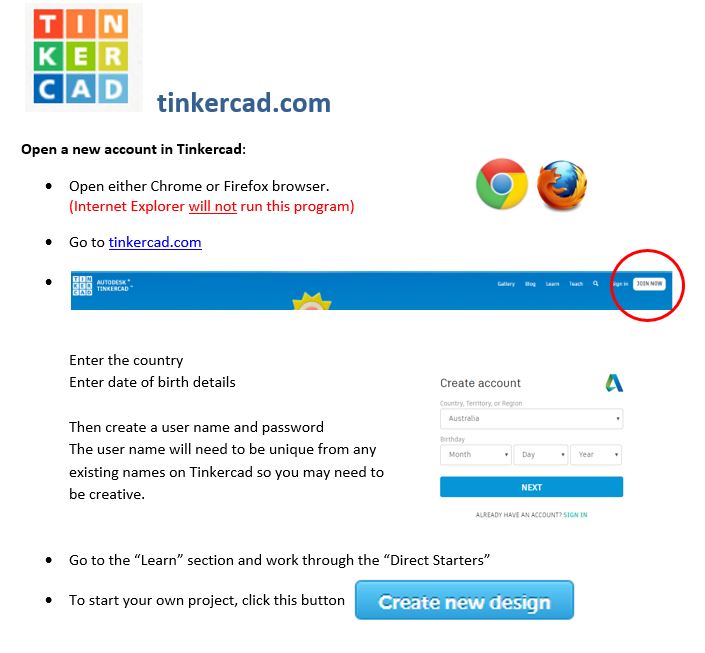
Log in or set up an account at tinkercad.com
Note: Tinkercad will not function properly using Internet Explorer, please use Firefox or Chrome.
What Next?
Once you feel comfortable using a CAD program, you will need to start designing your own components for 3D printing.
You will need to consider:
- how the object or component will be used
- the shape of the object, including considerations for scaffolding (support printing) that may be required during the printing process.
- Printers can not print in mid-air so the design and rotation of the object on the printing platform will impact on the amount of scaffolding needed.
- the colour of the object- specialist printing is required for multiple colours in the object
- any integrations that will be made within the 3D printed design, such as LED lights or buzzers within the object itself
Remember if you have any questions you can submit them via email STEMpire@adelaide.edu.au where AU staff can then try and give you an answer.